
Invoice Tracker
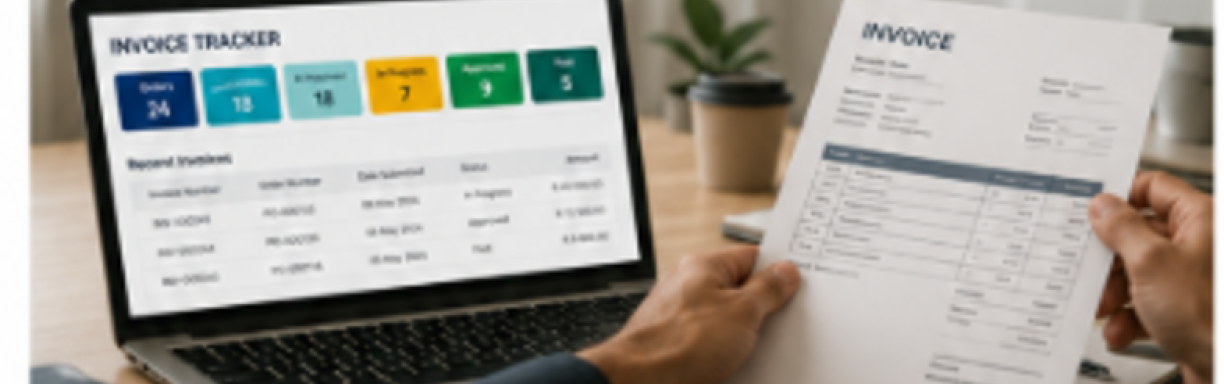
Invoice Tracker is an online Western Cape Government eService for suppliers who need to submit and track invoices linked to official WCG purchase orders. If you supply goods or services to a WCG department, you can use the service to view your orders, submit an invoice against the relevant order and follow the status of invoices already submitted.
Important: An official WCG purchase order is required for goods or services supplied to the WCG before an invoice can be submitted for processing.
What you can do on Invoice Tracker
- Sign in to the Invoice Tracker using your supplier email address.
- View the supplier records associated with your login, where more than one supplier is linked to the user.
- View and search your WCG orders by order number, order description or order status.
- Open an order to view its details and the invoices already associated with that order.
- Create a new invoice against a selected order and capture the required invoice information.
- Upload the supplier invoice and any supporting documents required for the submission.
- Save an invoice before submission and delete a saved invoice if it is no longer required.
- Submit the invoice to WCG for processing after completing the supplier declaration.
- Track the progress and status of invoices submitted through Invoice Tracker.
- Receive email notifications about invoice submissions and relevant status changes.
Before you submit an invoice
Select the relevant WCG order first. Invoice Tracker links each invoice submission to an approved order.
When creating the invoice, you will be required to provide the invoice information requested by the service. You can also add comments where needed.
Your supplier invoice must be uploaded. Supporting documents can also be uploaded where required. When documents are uploaded, Invoice Tracker distinguishes between the mandatory invoice and supporting documents.
Before submission, the supplier declaration must be completed. This is intended to help confirm that the invoice information and supporting documentation are correct and complete before the invoice is sent to WCG for processing.
What happens after you submit
Once submitted, the invoice enters the WCG back-office review and approval process. WCG officials review the invoice and supporting documentation, assign it for verification and progress it through the required approval steps.
Invoice Tracker keeps the supplier informed by updating the invoice status. A confirmation email is sent after an invoice is submitted, and suppliers receive notifications when relevant status changes occur.
Track your invoice status
The Invoice status overview helps you see where each invoice is in the process. The supplier guide identifies the following invoice statuses:
Need help with an invoice?
For queries relating to rejected or disputed invoices, contact:
Elana Prinsloo - Elana.Prinsloo@westerncape.gov.za